 Netsweep
See everything on your network
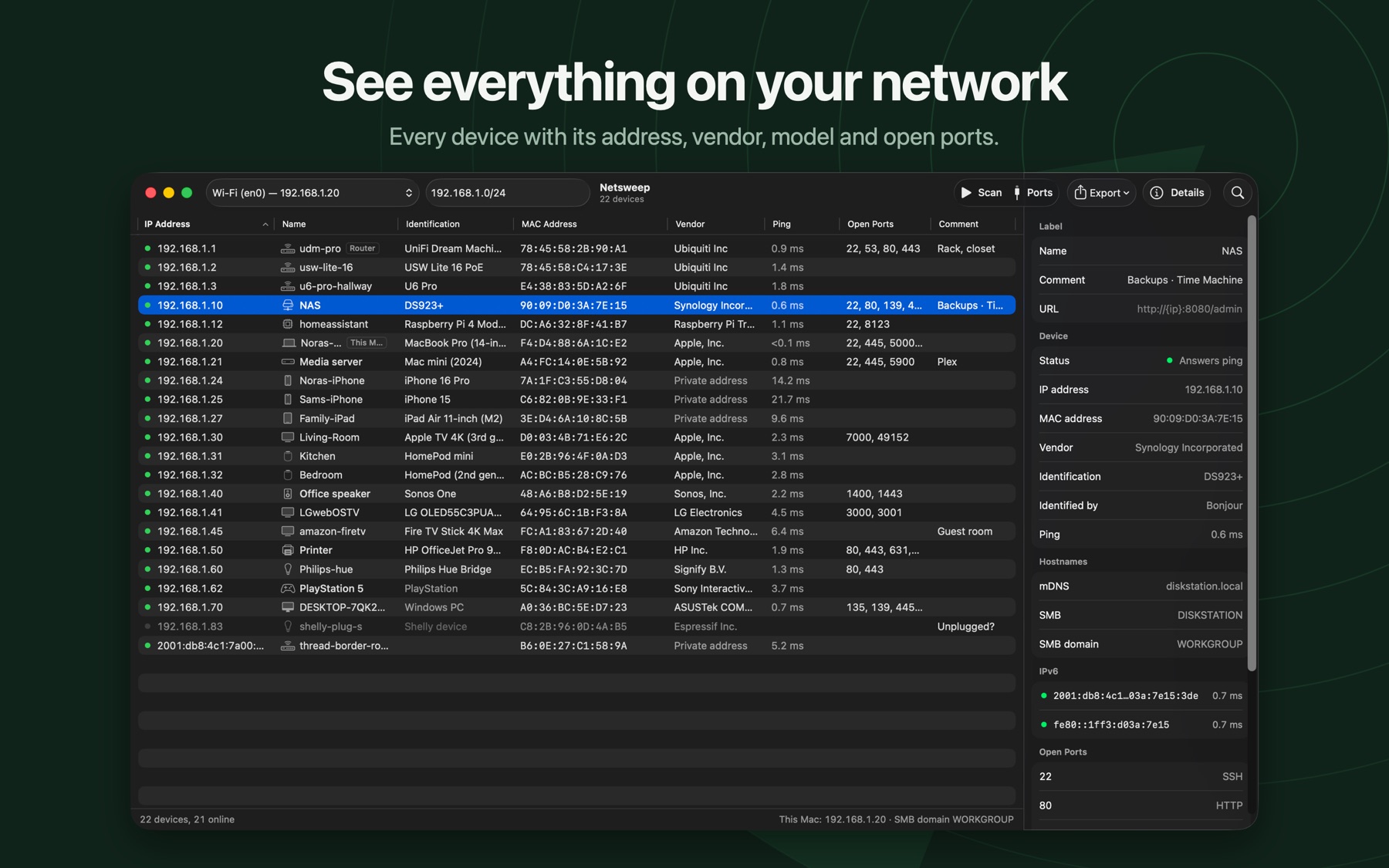
Netsweep is a network scanner for the Mac. Press Scan and get every device on your Wi-Fi or Ethernet with its address, name, maker, model and open ports.
Get it on the Mac App StoreRequires macOS 14 or later. Apple silicon and Intel.
Finds every device
Including the ones that ignore ping and the ones that only use IPv6. IPv4 and IPv6 addresses side by side.
Names and models
Hostnames from Bonjour, SMB, LLMNR and DNS, the manufacturer from the MAC address, and the exact model where the device reports it.
Port scan
Check common, well-known, all 65,535 or your own list of TCP ports on one device or the whole network.
Your own names
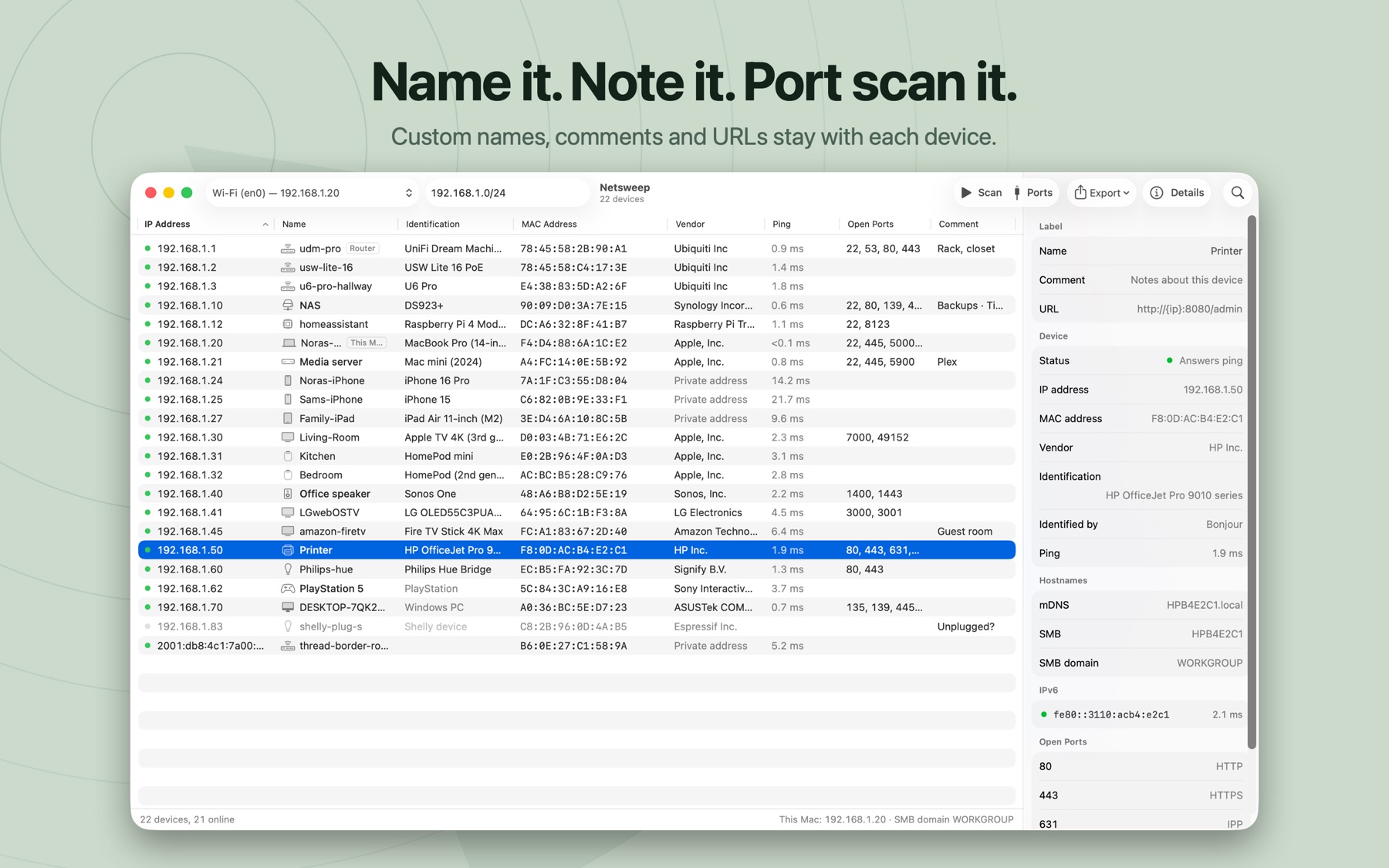
Label devices with names, comments and links. Sync them between your Macs with iCloud or export them to a file.
Your connection
Public IP address, country and provider, refreshed when your network or VPN changes.
Export anything
CSV, JSON or plain text. Search every column. Wake on LAN. Automatic rescans.
No account, no ads, no tracking
Scans stay on your Mac. Read the privacy policy; it is short.